Guide
Import / Export
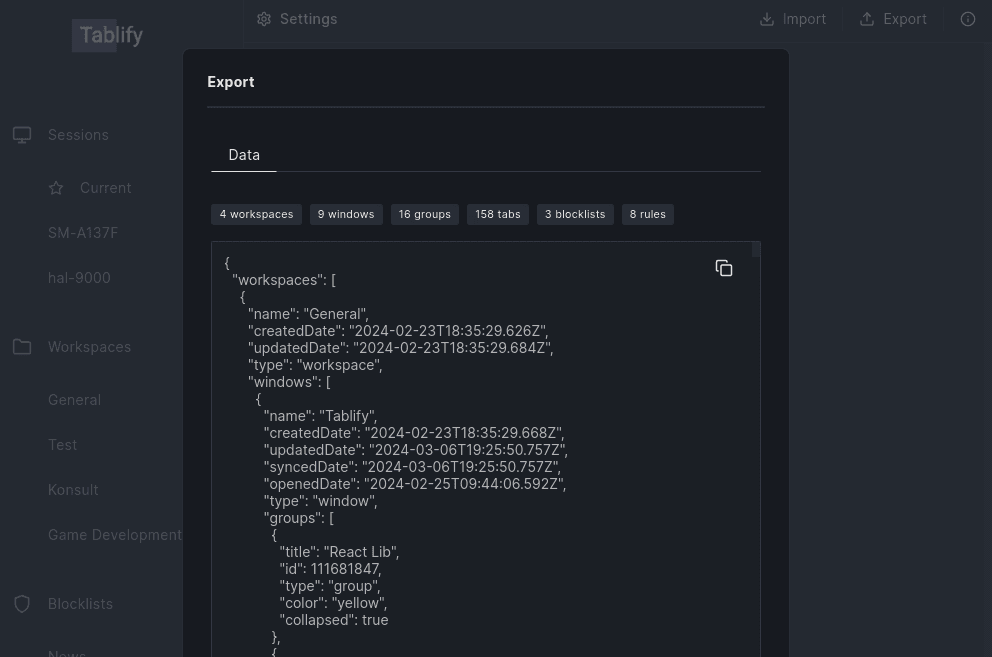
Tabify enables straightforward data import and backup. You have the flexibility to export an individual or multiple workspaces (along with their windows), a single window, or one or more blocklists.
Backup
To export your data, navigate to the Options page and go to settings and press Export.
Import
Importing data is equally simple: visit the Options page and go to settings and click on the import button located in the top right corner.